

Slack
The Slack integration allows you to start Hopp pairing sessions directly from any Slack channel using the /hopp command. Your teammates can join with a single click, making it effortless to collaborate.
Connecting Hopp to Slack
Section titled “Connecting Hopp to Slack”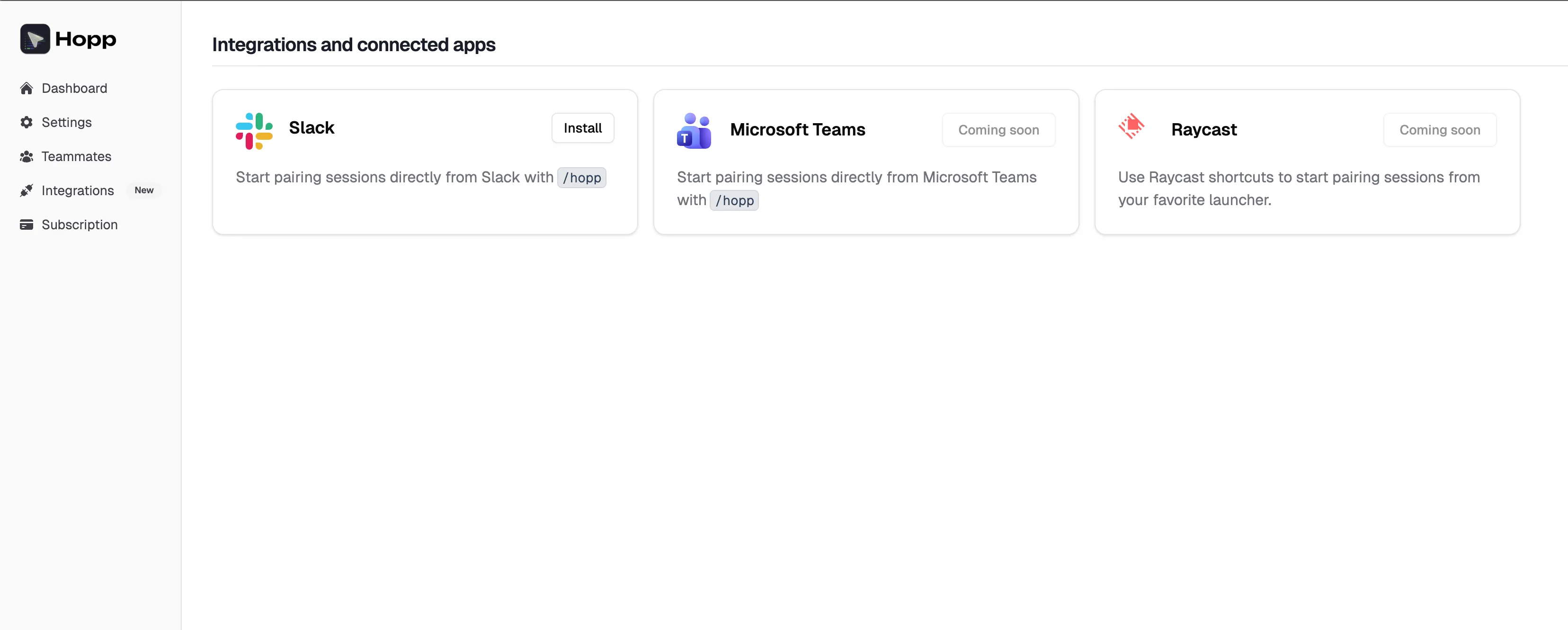
-
Open Hopp Web App
In the Hopp Web app, go to Integration.
-
Connect Slack
Click the Install button. You’ll be redirected to Slack to authorize the Hopp app.
-
Authorize the App
Select the Slack workspace you want to connect and click Allow. You probably need to be a workspace admin or have permission to install apps.
-
Done!
Once authorized, you’ll be redirected back to Hopp. The Slack integration is now active for your team.
Starting a Pairing Session
Section titled “Starting a Pairing Session”Once connected, any team member can start a Hopp session from Slack:
-
Use the /hopp command
In any Slack channel, type
/hoppand press Enter. -
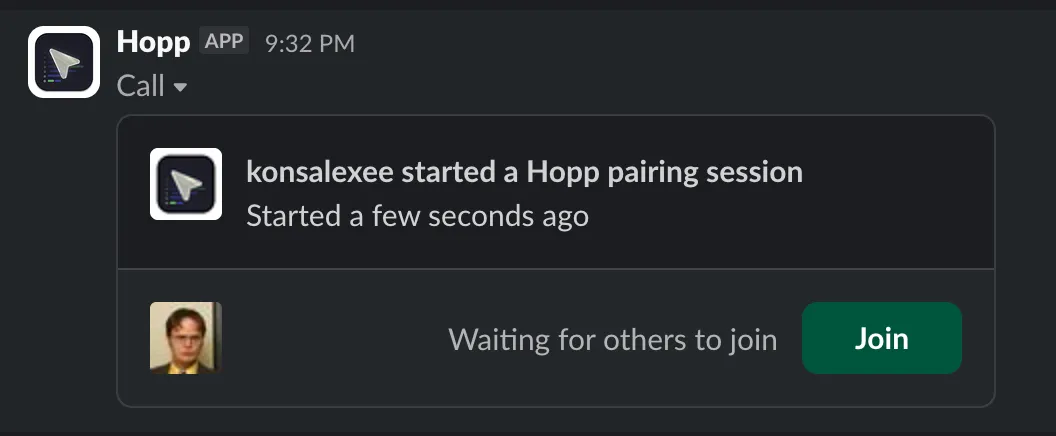
Session Created
Hopp will post a native Slack call card in the channel with a Join button.
-
Join the Session
Click Join to open the Hopp desktop app and connect to the pairing session automatically.
Removing the Slack integration
Section titled “Removing the Slack integration”To remove the Slack integration:
- Go to Integration in the Hopp web app
- Click Remove integration next to Slack icon